MarketByOrder Docs
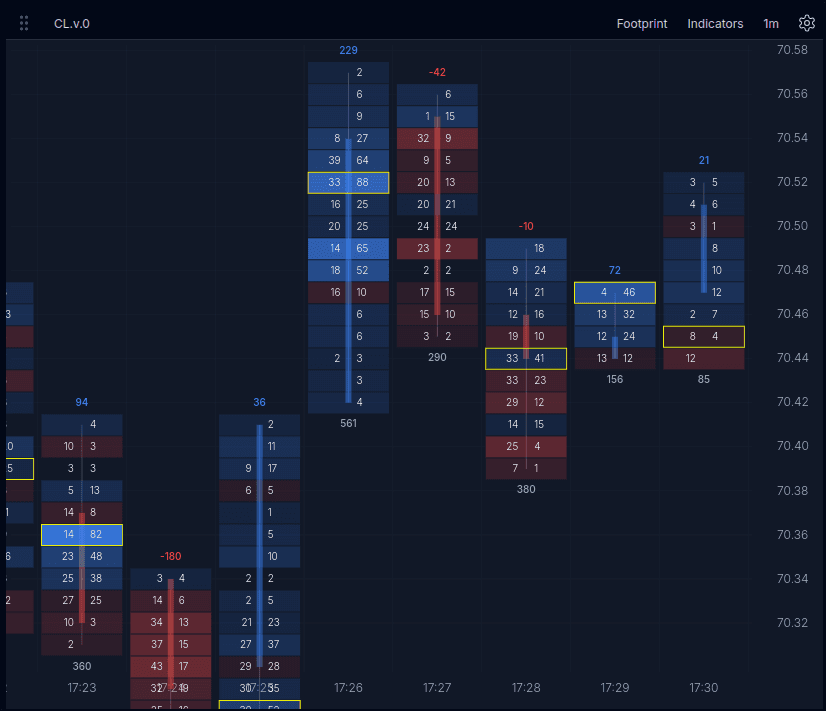
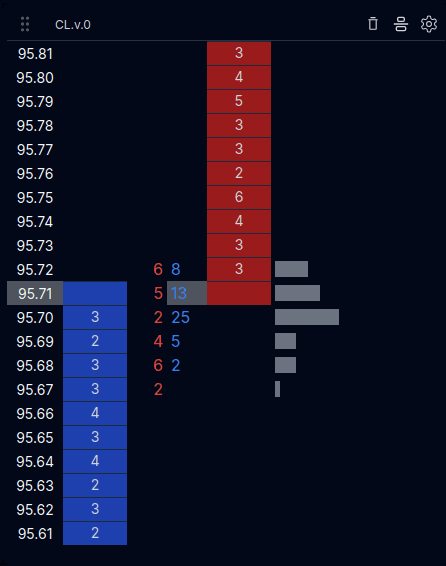
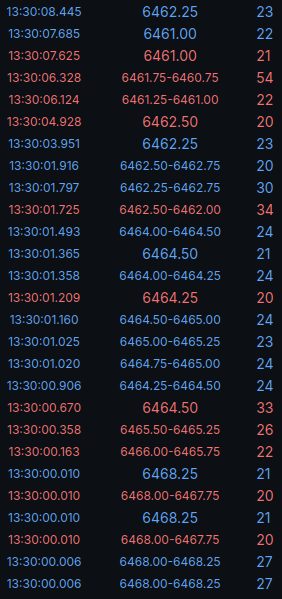
MarketByOrder is a customizable suite of tools for analyzing orderflow.
Market data
Try up to 3 replays per day with 5 minutes of total replay time free. Our market data is included, with no data account to set up and nothing to install. A paid plan is required to replay beyond these daily limits.
We carry a set of futures instruments and a growing range of months. If you want an instrument or a date we do not carry, you can connect your own Databento key under Connect Data and pick any instrument and date. Those replays bill your Databento account for the data they request, usually cents per hour of replay.
Select a replay
Pick an instrument and a replay time, then start the replay.
Components
Explore the tools that make up the replay workspace.